



SmartOS
Platform
Everything you need from job posting all the way to onboarding is included in our core platform.
Explore the platform →
Winston
Intelligence
See how the power of AI can help you hire faster and deliver unmatched efficiency gains.
Meet Winston →
Platform
Integrations
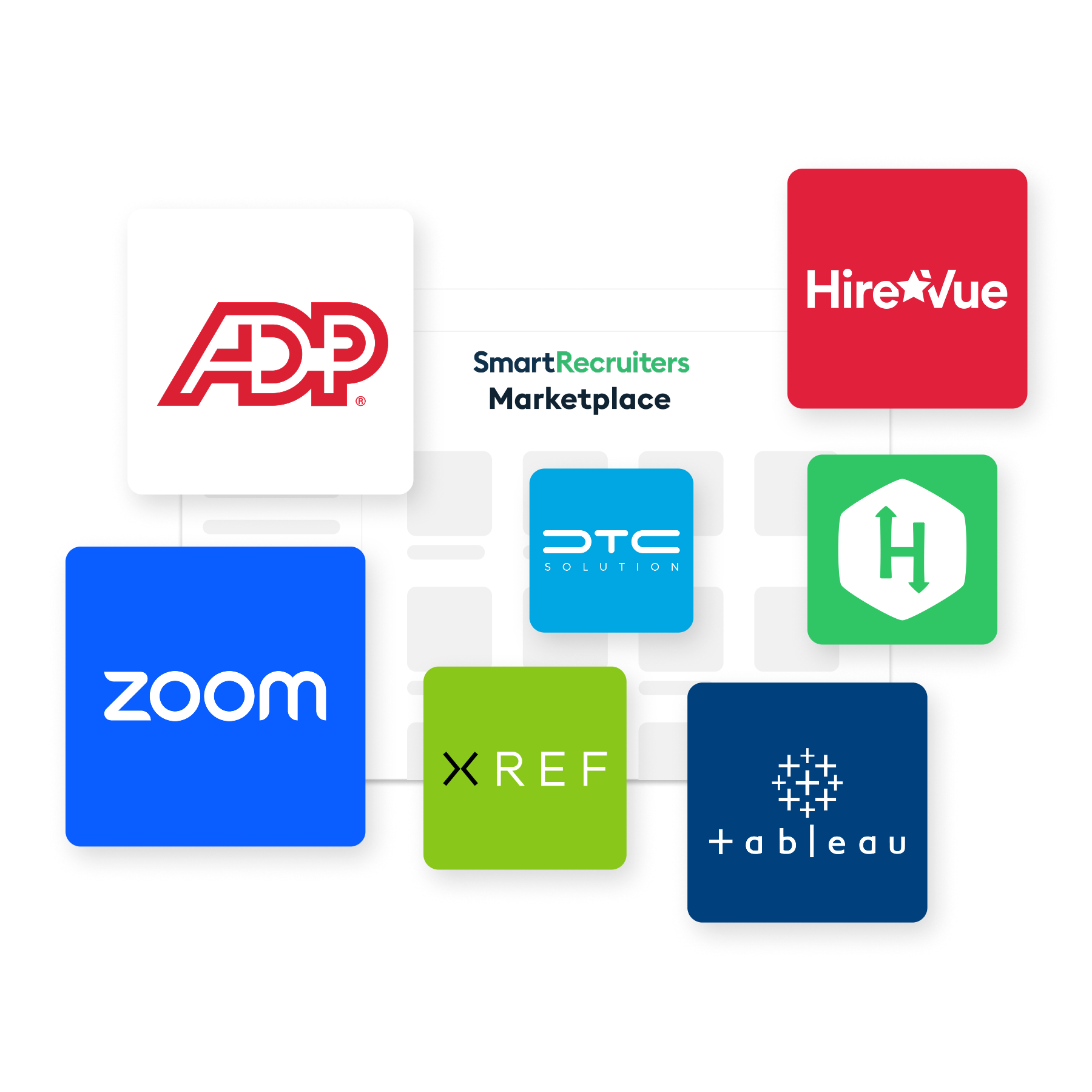
Standalone or integrated with your favorite HCM? Either way - you're covered with our marketplace.
Learn more →
Attract
Reach your audience. Source the best talent.
Conversational AI Chat Career Websites Job Distribution CRM Text Recruiting
Select
Get the right people when you need them.
Applicant Tracking AI Talent Matching Engine AI-Powered Candidate Screening Dynamic Scheduling
Hire
Onboard with ease and improve your processes.
AI-Powered Hiring Agent Analytics & Insights Offer Management New Hire Onboarding Sandbox Management NEW


 Events
 Webinars
 eBooks
 Guides & White Papers
 ROI Calculator
 REP Tool
About
Us
Learn more about our team and culture. Hear our unique point of view on the future of hiring and where we're headed.
Read our story →
Why
SmartRecruiters
Learn how we've helped over 4,000 customers transform their hiring.
Learn more →
Partner
Network
Explore and find trusted service providers, apps, technologies to help you hire better.
Learn more → Browse our network → Become a partner →
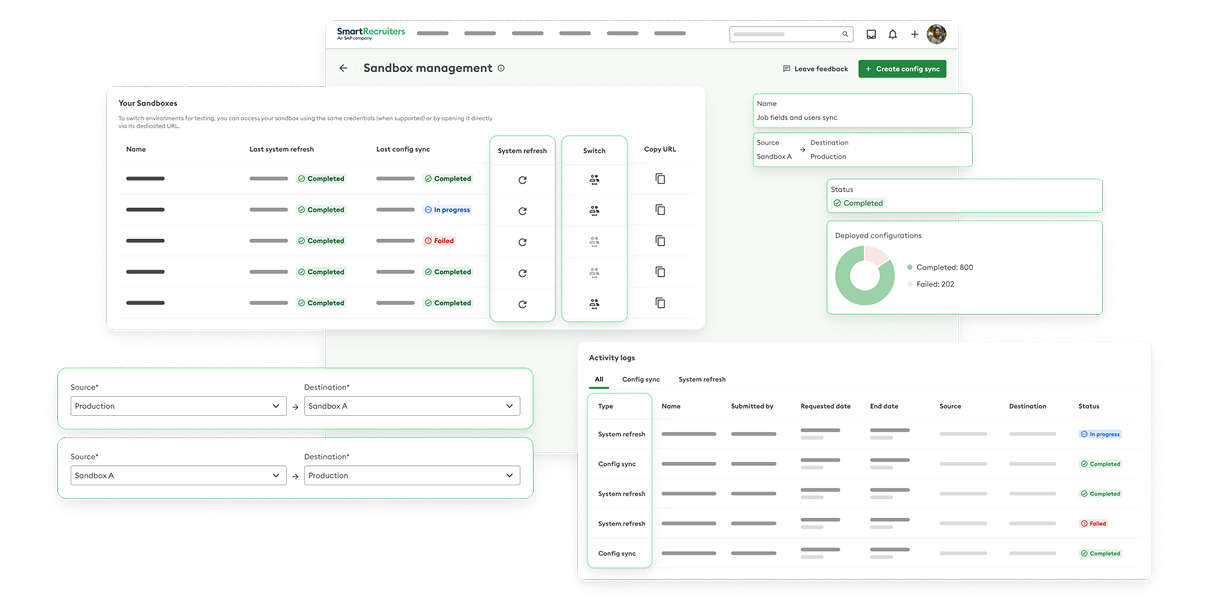
Optimize Testing with a Sandbox Solution That Does It All
With SmartSandbox, Admins get fast, reliable test environments that protect production, accelerate change, and unlock faster, safer innovation across your hiring stack.
Get startedTrusted by these industry leaders














Scale Testing Seamlessly Across Every Sandbox Environment
With SmartSandbox, Admins can orchestrate multiple sandboxes from a single, self-service portal – triggering on-demand refreshes and bi-directional syncs to eliminate manual bottlenecks, cut errors, and keep every testing environment closely aligned with production.
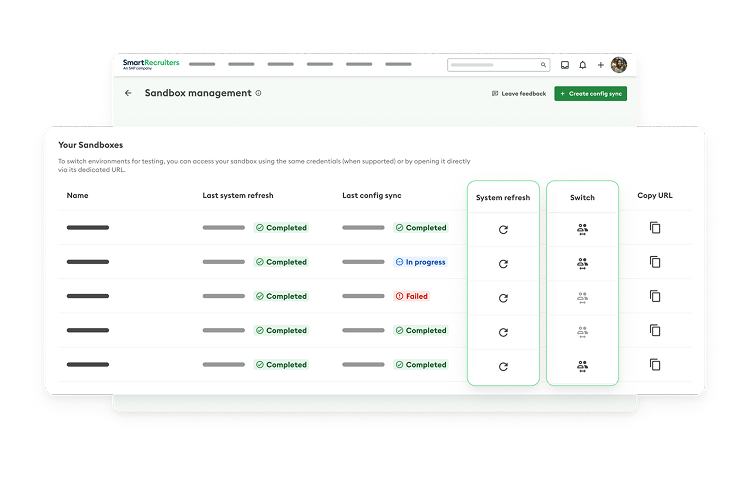
Unified Sandbox Management
With SmartSandbox, Admins can manage every sandbox from an intuitive Sandbox Portal inside SmartRecruiters – no separate tools or manual tickets required. From one view, they can see all sandbox instances, review activity logs, and launch refreshes and bi-directional syncs in just a few clicks.

On-Demand Refreshes and Bi-Directional Syncs
SmartSandbox gives Admins self-service control over refreshes and bi-directional syncs so they can keep sandboxes in lockstep with production whenever they need. With unlimited refreshes and syncs for SmartSandbox, teams can iterate quickly, validate changes more often, and eliminate the delays and overhead of ticket-based processes.

Confident, Real-World Testing
SmartSandbox allows you to mirror your production environment configurations so testing reflects how your system works in real life. Admins can experiment, refine, and validate complex workflows and integrations without disrupting the day-to-day hiring. The result is faster innovation with less risk.
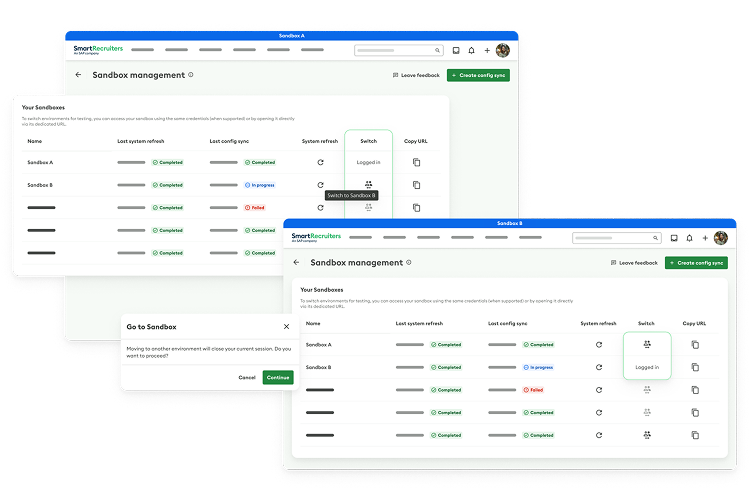
Flexible Multi-Environment Setups
Whether you’re supporting implementation, testing, training, or integration validation, SmartSandbox makes it easy to run multiple environments in parallel. Admins can configure dedicated sandboxes for different use cases and navigate between them seamlessly with unified access. This flexibility lets teams review changes before going live, all without sacrificing speed or control.
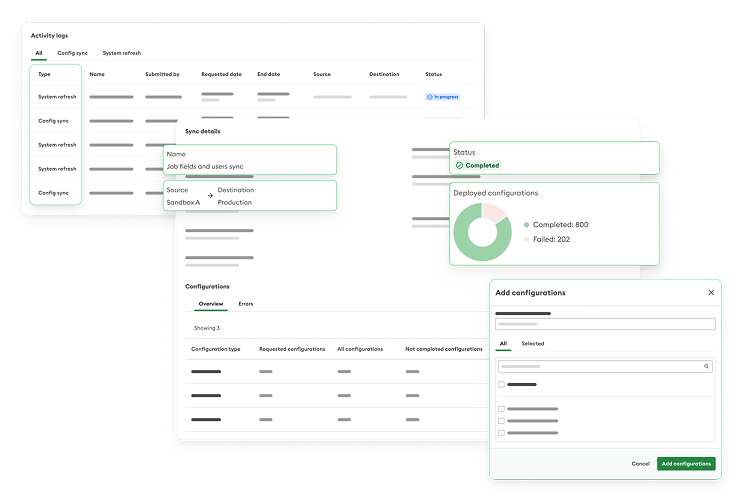
Centralized Access & Security
SmartSandbox is designed with enterprise-grade governance in mind. Only authorized Admins can access the Sandbox Portal to trigger refreshes and syncs, or manage environment details – all backed by detailed activity logs for added transparency. By centralizing access and actions into one secure experience, SmartSandbox helps reduce risk while still giving Admins the freedom to move fast.
Ready to learn more?
Book a Demo

 With SmartAnalytics, we can easily create compelling data stories and visualizations, enhancing strategic decision-making at Abano.

With SmartRecruiters AI, we move through high volumes of information from a high volume of candidates in a systematic way.
Adam Reynolds
Head of Talent, Frasers Group

SmartRecruiters has completely changed the way we hire. We used to spend half our day reading resumes! Now we hire people who stay longer, with an experience that’s aligned with our consumer brand.
Rose Phillips
Head of Partner Resources, Starbucks
Hiring managers didn’t want to go into our previous solution because it was so difficult. With SmartRecruiters, all the information they need is right there. If you can shop on Amazon, you can use SmartRecruiters.
Helene Perdue
Former Director of Talent Acquisition and Development, Asbury Communities

People just intuitively knew how
to use SmartRecruiters.
Eric Houwen
Head of Talent Acquisition, Deloitte
The Platform Behind Superhuman Hiring
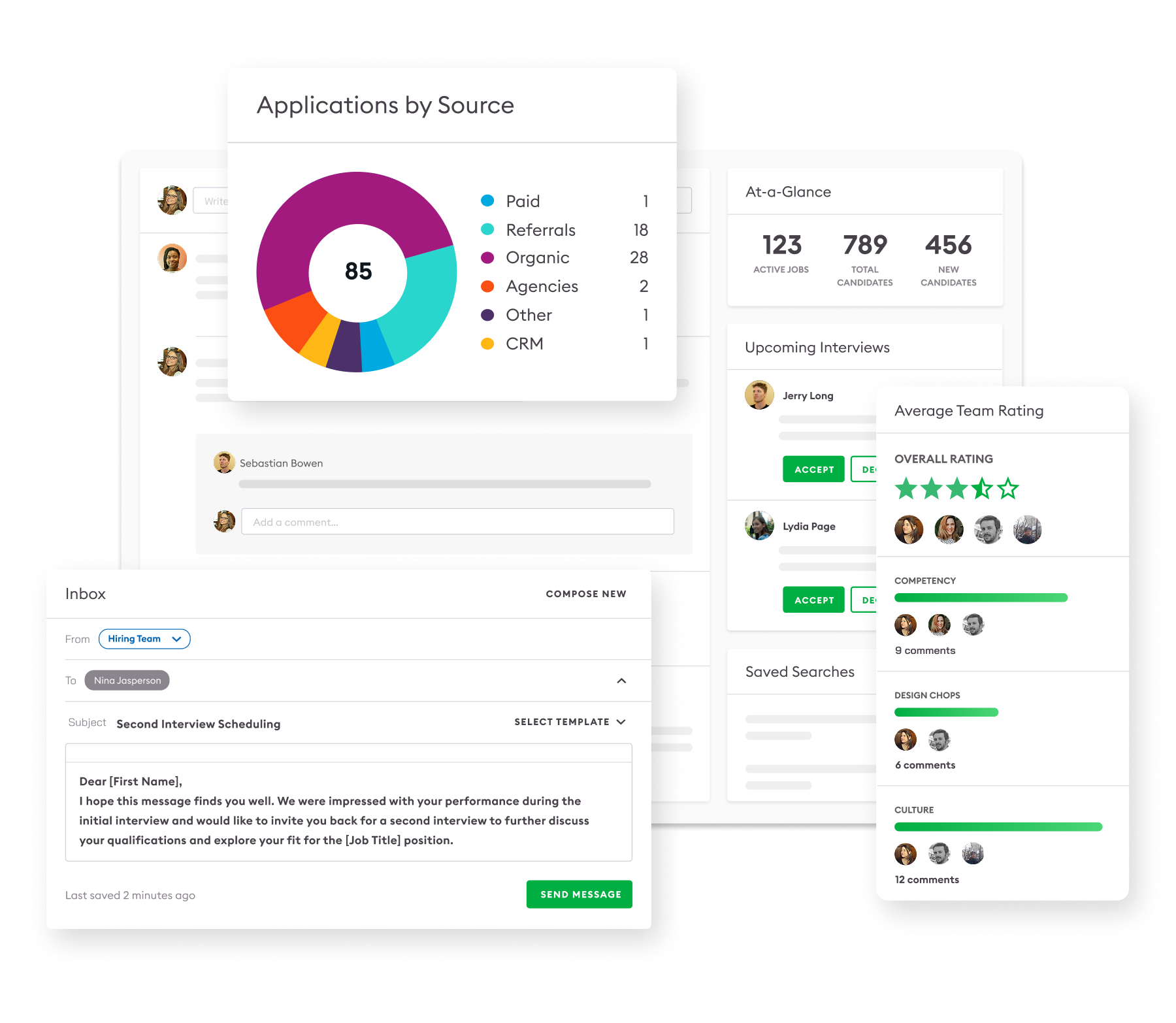
The Platform Behind Superhuman Hiring
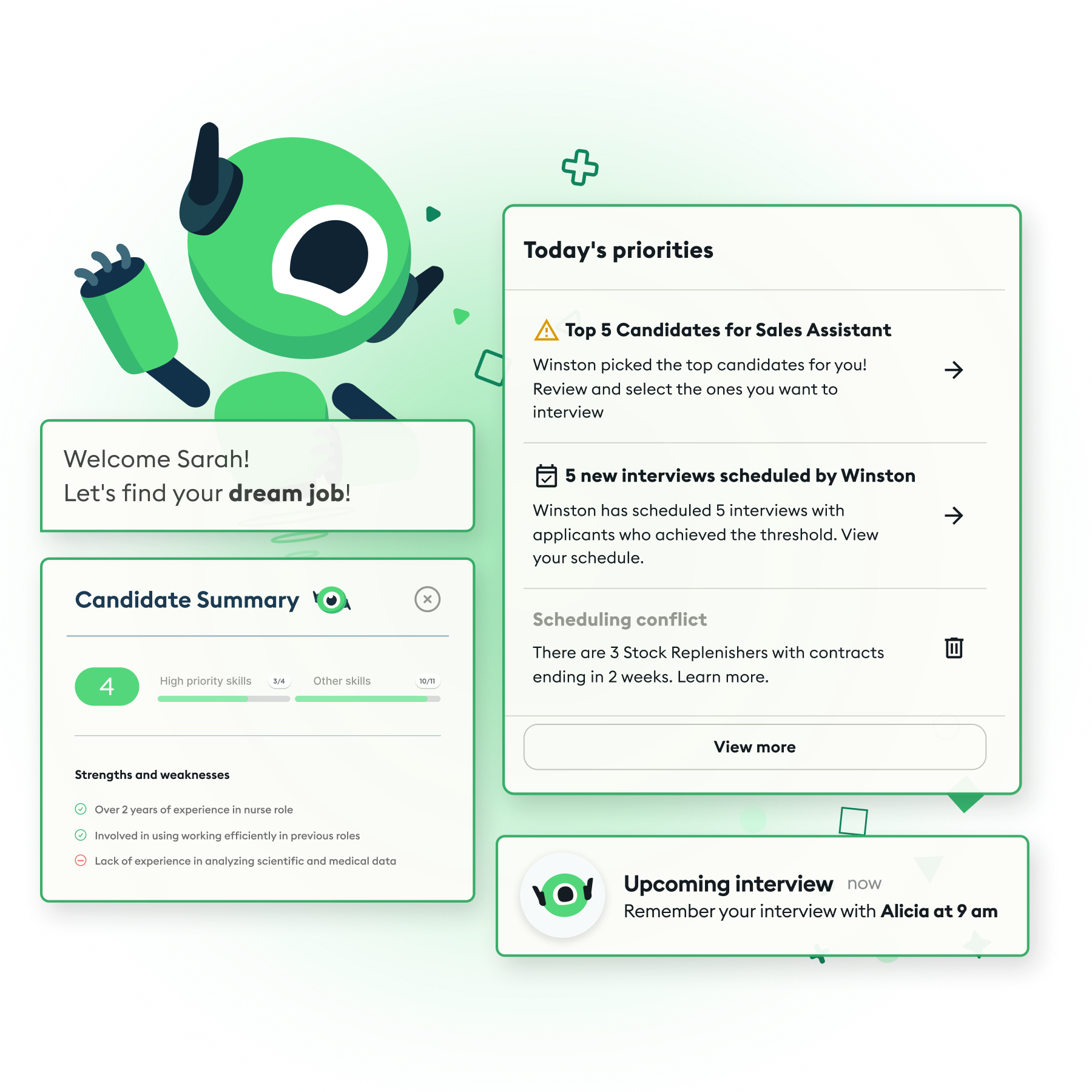
The Platform Behind Superhuman Hiring
FAQs
How is SmartSandbox different from other Sandbox options?
Compared to our other sandboxes, SmartSandbox is a premium product and allows teams to:
- Refresh instantly with a self-service sandbox portal that keeps teams moving fast
- Stay perfectly in sync with production with real-time bi-directional syncing
- Move seamlessly across environments with a single email login
- The ultimate admin tool for confident testing at scale and faster, safer innovation
Are candidates, jobs, or users copied between environments?
No. Job data, candidate data, and users are excluded from both refresh and sync operations. This allows you to keep user sets and live hiring data appropriately separated across production and sandbox environments, while still aligning configurations.
Can SmartSandbox sync between multiple sandboxes and production?
Yes. You can sync configuration changes from one sandbox to another, from production to a sandbox, or from a sandbox back to production, as long as you have the right permissions and select the appropriate source and target in the sandbox portal.
Who can access SmartSandbox and the Sandbox Portal?
Sandbox Management is available only to users with Admin system roles. These Admins can see the sandbox portal, view activity logs, and perform refresh or sync operations according to the environment they are logged into.
Can I test integrations using SmartSandbox?
SmartSandbox is designed to support configuration‑focused integration testing by keeping configuration IDs and objects in sync across environments, allowing you to validate integrations without copying live candidates or jobs into your sandboxes.
How can I purchase or enable an additional SmartSandbox?
To learn more about pricing or to enable additional SmartSandboxes for your organization, please contact your SmartRecruiters account team or Customer Success representative, who can advise you based on your current package and environment setup.
DIVE DEEPER WITH VALUABLE INSIGHTS

See SmartRecruiters In Action
Interested in learning more about SmartRecruiters? Our global team of Talent Acquisition experts are excited to meet you and learn more about your company’s hiring needs. Simply fill out the form and our team will reach out soon.
We do, however, offer some resources for job seekers like yourself.
Get more information here.